SoundBase lets you discover your connected devices easily and add them to the application.
If you are experiencing issues discovering devices, please visit our Configuring ports.
To discover devices:
- In the Details area, click the Devices tab.
- On the right side, click the network interface selection dropdown.
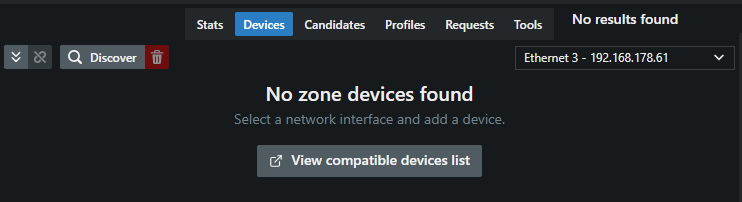
- Select the IP of your connected device.
-
On the left side, click the button Discover.
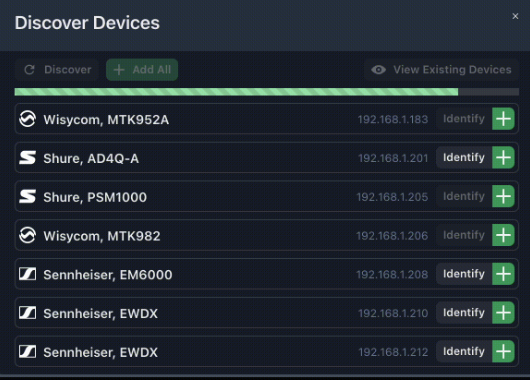
All devices within your selected network interface's IP scheme will appear here.
- When attempting to connect to Wisycom devices, ensure that no other instances of SoundBase Pro or Wisycom Manager are actively connected. Wisycom’s communication protocol supports only one computer connection at a time.
- You can toggle the existing devices view by clicking the "View Existing Devices" button
Add or remove your displayed devices from the existing view.
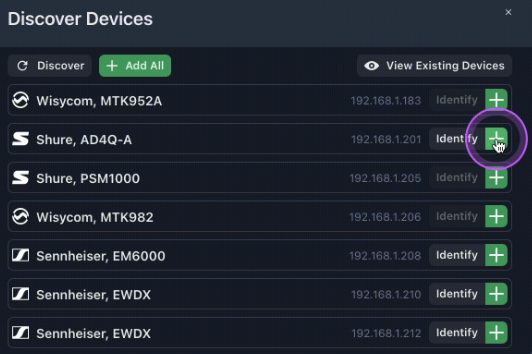
Connected devices have been discovered.