You can delete any equipment profiles you have created.
To delete the profile:
-
In the Calculation area, click on Profile Manager and navigate to the tab Custom Profiles.
All created profiles are displayed.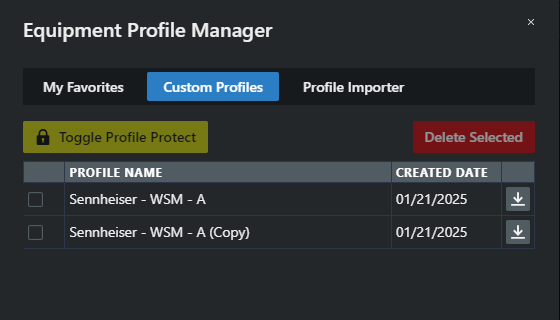
- Select the profiles you want to delete by checking the boxes next to them.
- Click on Delete Selected.
You can also delete a duplicated profile by clicking the  icon.
icon.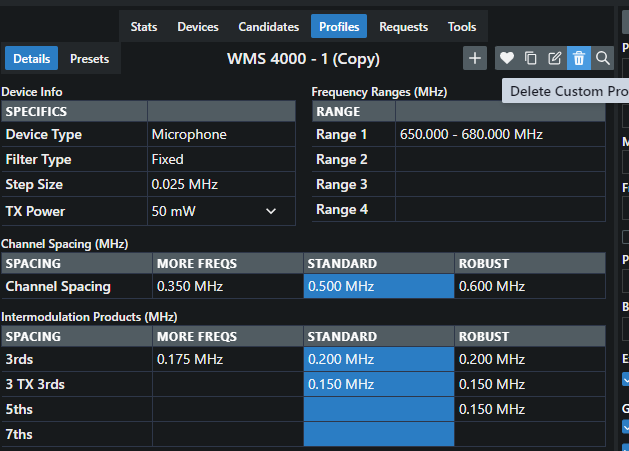
Your equipment profile has been successfully deleted.