The "Equipment Profile Manager" tab allows you to manage all custom equipment profiles that you've created or imported into SoundBase.
Only profiles you own appear here; collaborator profiles are not shown.
To open the profile manager:
-
In the Calculation area, click on Profile Manager.
A new pop-up window opens.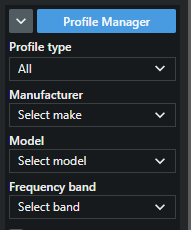
- Navigate to the tab Custom Profiles.
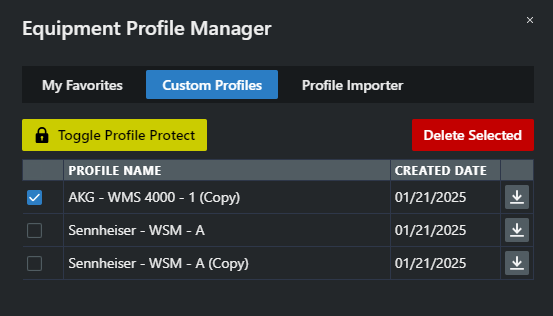
You can choose to hide your profiles or share them with other users.
The Profile Manager has been opened.