You can begin calculating frequencies without coordination.
Those users that are familiar with Wireless Workbench can add a quantity of “uncoordinated” frequencies.
To begin with an uncoordinated calculation:
- In the Calculation area, select an equipment profile or create a new one.
- Navigate to Test type.
-
Click on Untested.
A new form opens.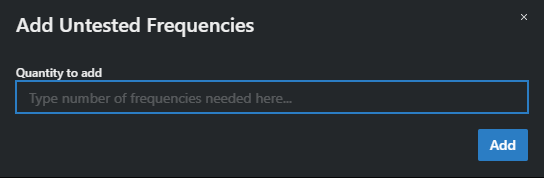
-
Add the quantity of frequencies that you need of the given equipment profile.
The values will not be calculated. -
In the Zones area, click on Zones selection and then on Recalculate All in Zone, to perform a Zone recalculation (see Recalculating incompatible frequencies).
All uncoordinated and incompatible frequencies will be updated with clean values.
If there are still remaining uncoordinated frequencies, try either a Group recalculation or individual Single Frequency recalculations until all frequencies are calculated.
The uncoordinated calculation is now complete.