You can export your created zone and import it into your site later.
This guide may change in the future with different versions of Wireless Workbench or Coord.
To export frequencies from Coord:
- In the Zones area, click the
 button.
 Click on Export Zone as.
A new form opens.- Select the format Shure Wireless Frequency List (CSV).
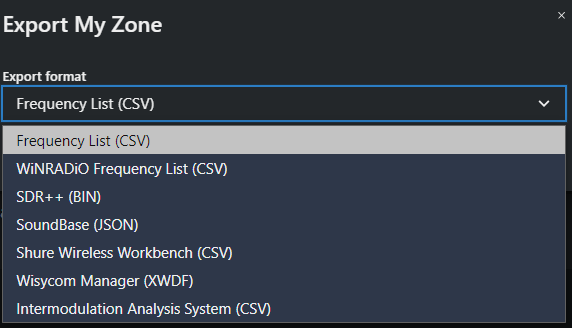
Click on Export and save the file.
The .zip file has been exported. Each profile in the zone will have its own CSV file.