You can move groups you've created to your selected zone.
To move a group:
- In the Coordination area, click your group's settings button
 .
. -
Click on Move Group.
A new window appears.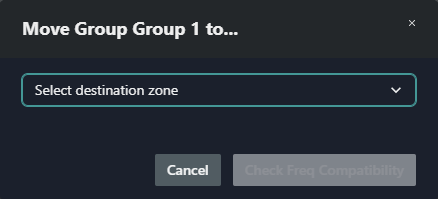
- Select the zone where you want to move your group.
- Click on Check Freq Compatibility.
The group has been moved to your selected zone.