You can add and manage Details, Interactions, Broadcast Standards, and File Manager settings for your site.
Details
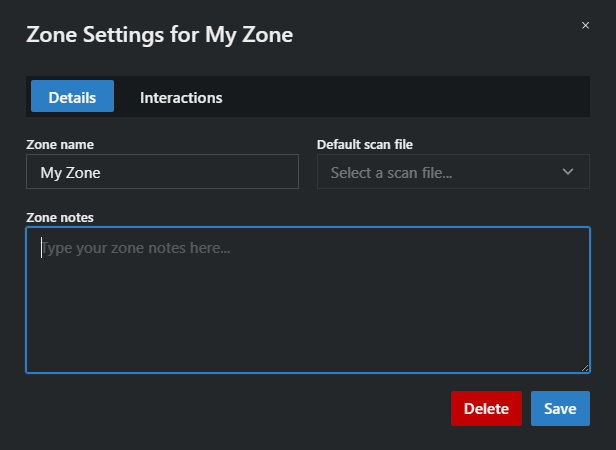
- In this section, you can edit the zone name, select a default scan file, add notes, and delete the zone if needed.
Interactions
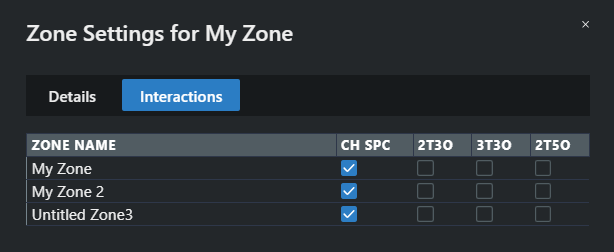
- This section lets you select which tests are performed when searching for frequencies between your current zone and others in the site. Note that Coord works additively — if you change your test settings after finding frequencies, the existing frequencies won't be evaluated against the new tests.
To edit the zone settings:
- In the Zones area, click the
 button.
 - Edit your settings in the appropriate tabs.
Your zone settings have been updated.