You can import your created template to Coord.
To import a new report:
- In the Zones area, click the
 button.
 -
Click on Document Zone Report.
A new form opens. - Click on the + to open the import field.
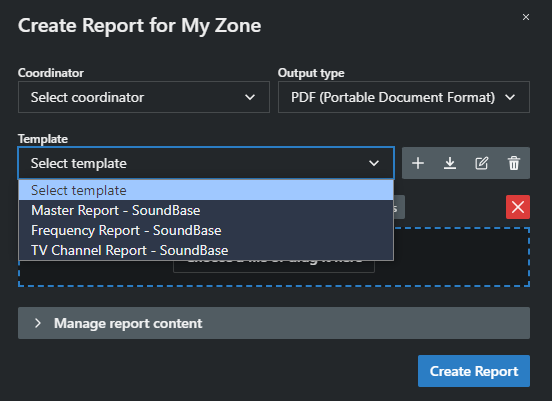
- Choose a file or drag it into the field.
- Optionally,
- click on
 icon to edit the name of the template with;
 - click on
 icon to delete the template;
 - click on
 icon to download and to save the template.
- click on
The zone report template has been imported.