You can create multiple sites to manage different zones and frequencies in one single project.
To create a new zone:
-
In the Zones area, click the + button.
A new form opens.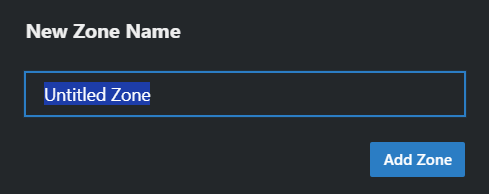
- Type in the name of the new zone and click on Add Zone.
A new zone has been created. To switch between available sites, simply click on the zone name in the site bar.