You can remove invited collaborators from the auto-complete feature.
Collaborators will remain in any projects they are currently involved in.
To remove the collaborators from the auto-complete feature:
- In the site bar of the Project management area, click the button showing your initials.
- Click on My Settings and navigate to the tab Collaborators.
- Remove the collaborators by clicking the
 button.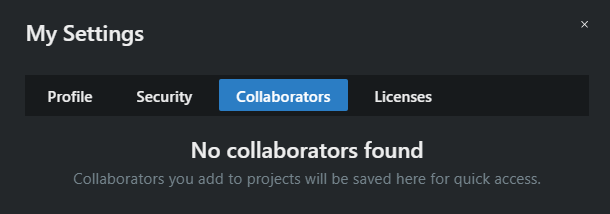
The collaborators have been deleted from the auto-complete feature.